Sign in and sign out
Sign in with the email and password that your administrator gave you.
Who can do this: every user, whatever their role.
Sign in
Section titled “Sign in”-
Open the address of the eCRF that your organization gave you.
-
In Email, type your email.
-
In Password, type your password.
-
Select Sign In.
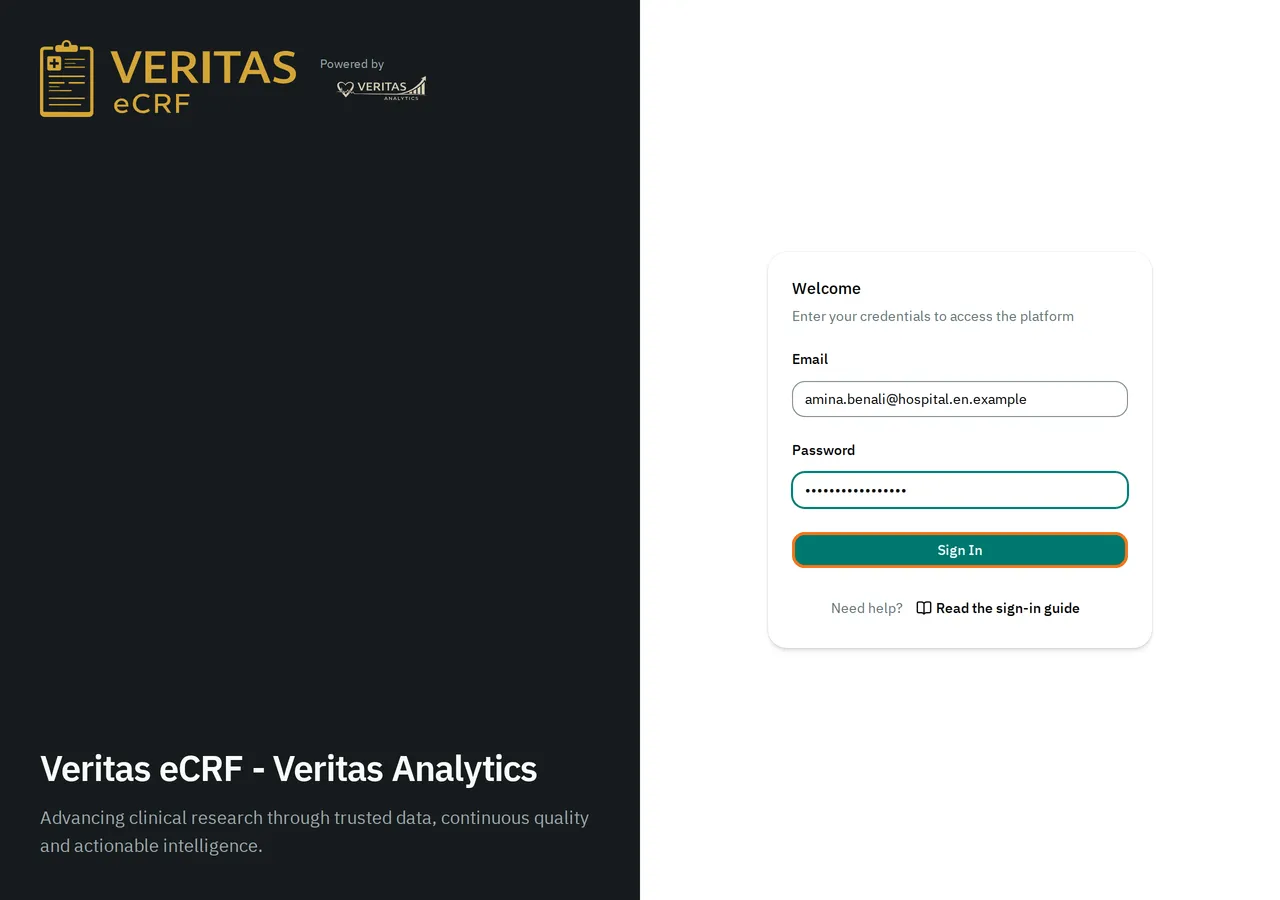
The eCRF opens the list of your studies. To open one, see Select a study.
If you opened a link to a page of the eCRF before you signed in, the eCRF opens that page instead.
The first time you sign in, the eCRF asks you to choose a new password. See Change your password.
If the email or password is incorrect
Section titled “If the email or password is incorrect”The eCRF shows The email or password is incorrect. and clears the form.
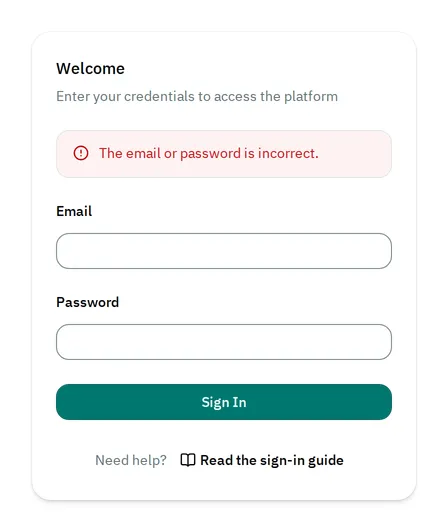
Check your email and password. Then sign in again. If you forgot your password, ask your administrator for a new one.
If your account is locked
Section titled “If your account is locked”After 5 failed attempts in a row, the eCRF locks your account for 10 minutes. Even when you type the right password, it shows Too many failed attempts. Try again later.
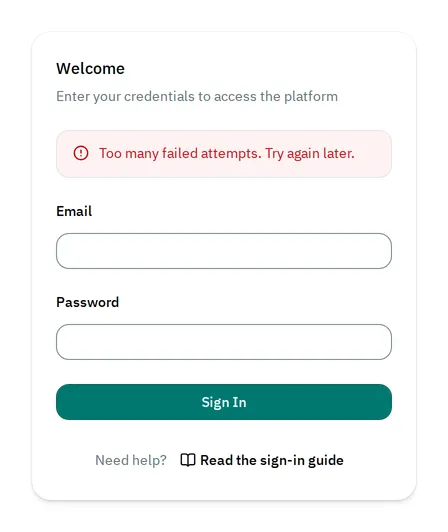
Wait 10 minutes. Then sign in again. If you cannot wait, ask your administrator to unlock your account.
Sign out
Section titled “Sign out”-
At the top right, select your name.
-
Select Sign out.
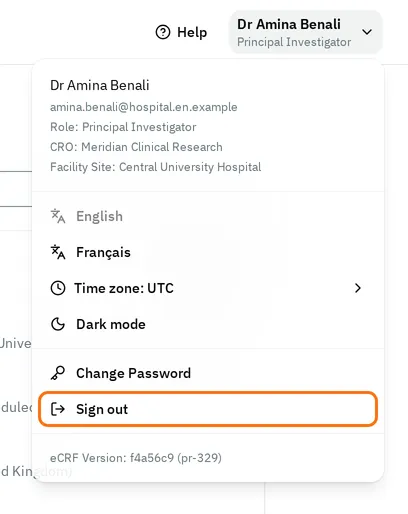
The eCRF signs you out of this browser only. If you are signed in on another computer, you stay signed in there.