Run the decoder on an export
The decoder turns an export into submission-ready formats, such as SDTM and ADaM datasets, tables and listings, and a report. It decodes the data of the export you just made, with the subjects and options you selected.
Who can do this: Data Manager, Principal Investigator, Clinical Research Administrator and System Administrator.
Run the decoder
Section titled “Run the decoder”-
Export the data. The window shows Export Complete.
-
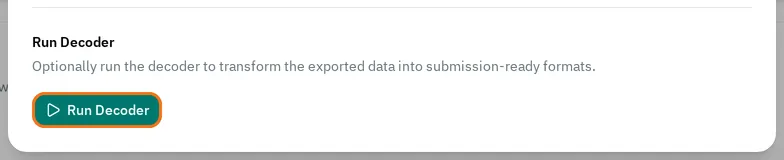
Under Run Decoder, select Run Decoder.
-
Wait until the decoder finishes. The button shows a spinner until then.
-
Select Download Decoder Output.
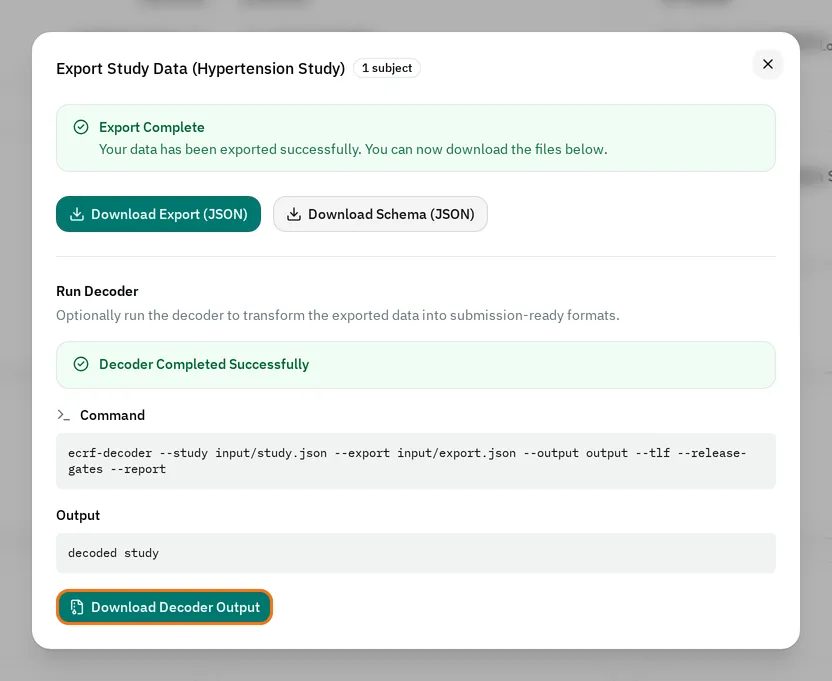
The ZIP file holds the decoder’s output. Its input folder holds the study definition and the export that the decoder read.
Read the result
Section titled “Read the result”- If the window shows Decoder Completed Successfully, the output is ready.
- If the window shows Decoder Completed: Release Gates Failed, the output is ready, but the submission package is not ready for release. The output and the submission/release_gates.json file list the checks that failed.
Under the result, Command shows how the eCRF ran the decoder, and Output shows the messages it wrote.
If the decoder does not run
Section titled “If the decoder does not run”- The window shows The decoder failed (exit code 1). Try again, and contact support if it keeps failing. Read the messages in Output. Select Run Decoder again.
- The window shows The decoder isn't available on this server yet. Try again later, and contact support if it keeps happening. The server does not have the decoder yet: try again later.
- You see no Run Decoder button: export the data first, or ask whether your role can export data.